
Prepare Roasting
After tapping Start Roasting on the Device page, HiBean opens the preparation page first. This page confirms the inputs for the roast: bean, batch size, environment, reference profile, roast mode, and accessories.
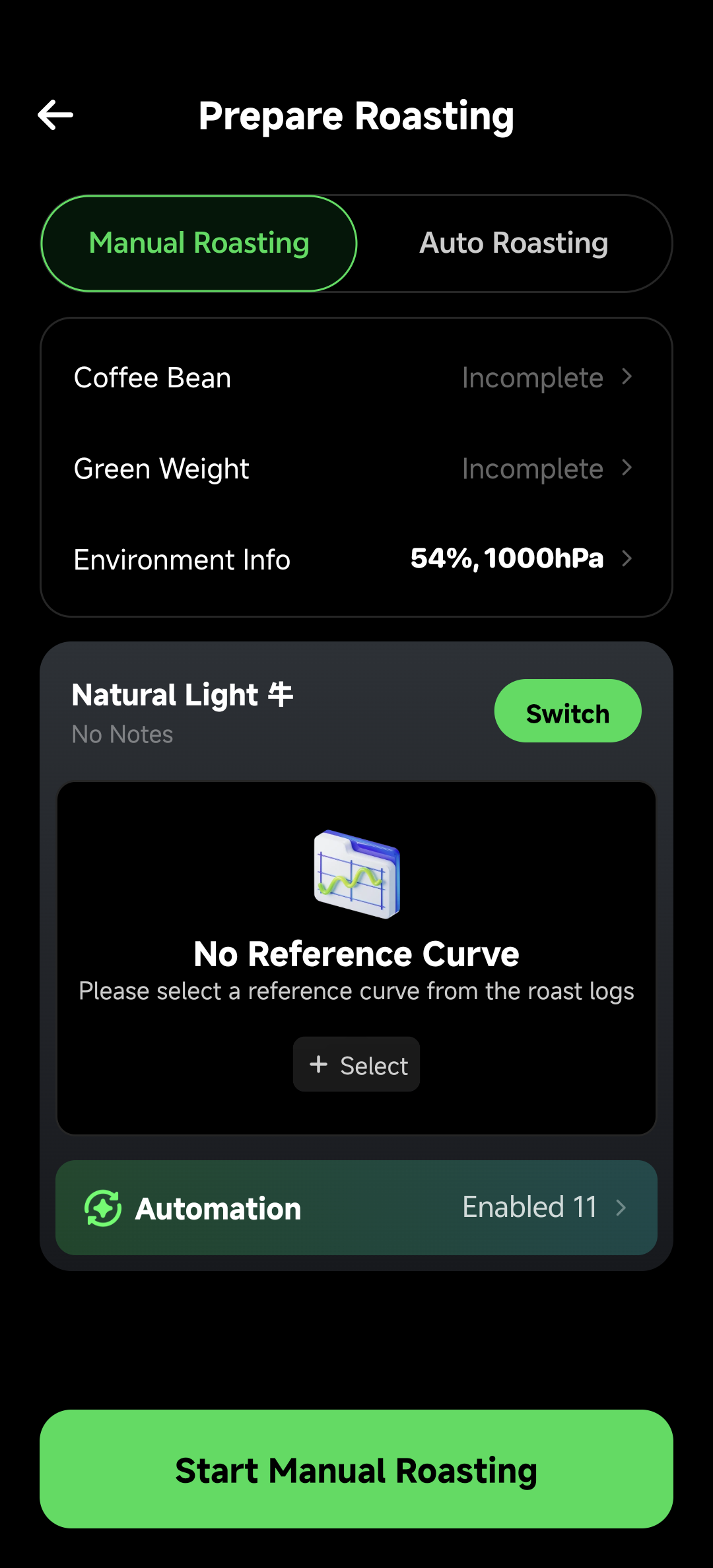
What This Page Confirms
| Area | Purpose |
|---|---|
| Roast mode | Choose Manual Roasting or Auto Roasting |
| Bean and batch size | Record what you are roasting and how much |
| Environment | Record temperature, humidity, pressure, and related conditions |
| Roast profile | Choose a reference curve, replay script, or record destination |
| Accessories and temperature source | Select measurement modules or helper devices for this roast |
Choose Roast Mode

Manual Roasting
In Manual mode, you operate the controls. The roast profile provides reference curve, milestones, and optional automation rules.
Use it for:
- First roasts or new-device setup.
- New beans, batch sizes, or preheat routines.
- Sessions where you want to observe the live curve and make control decisions yourself.
Manual mode can use Automation Rules for reminders, event tags, or control actions triggered by time, temperature, or events.
Auto Roasting
In Auto mode, HiBean runs auto replay from the selected profile. Current replay paths include:
- Control Replay: replays recorded heat, fan, drum, and similar control actions.
- Bean Temperature Tracking (PID): sends target BT values to the roaster so it follows a reference curve.
Auto mode does not replace safety monitoring and does not physically drop beans for you. Control Replay also needs a profile with recorded control actions. See Auto Replay Roasting.
Bean, Batch Size, and Environment
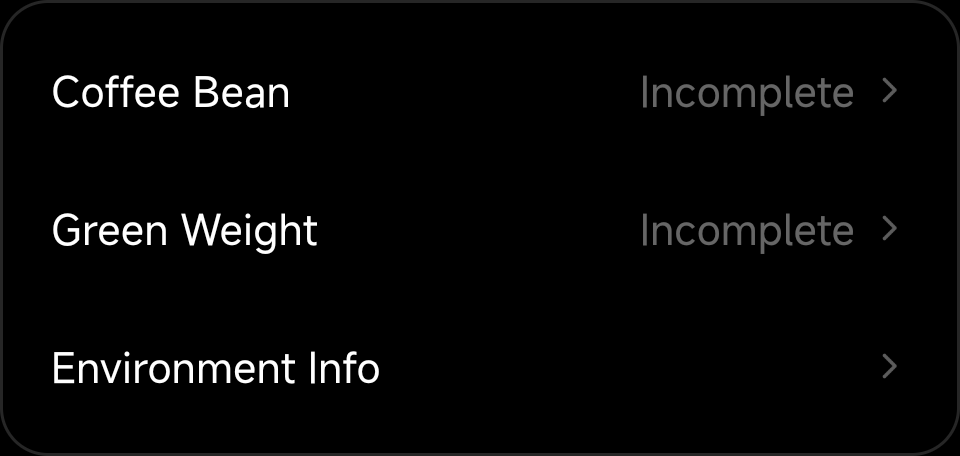
- Bean: choose the coffee for this roast.
- Batch size: enter the actual green-bean weight.
- Environment: keep data for later review; the same curve may behave differently under different conditions.
The preparation page may warn when bean variety or batch size differs significantly from the selected profile. These warnings do not block the roast, but they help explain curve deviation during review.
Choose Roast Profile
In Manual mode, the profile is mainly a reference curve and record context. In Auto mode, it becomes the replay source.
Before choosing a profile, check:
- Whether the device matches.
- Whether batch size and roast target are close.
- For auto replay, whether the profile has recorded controls or a target curve suitable for tracking.
Final Check
- Temperature is still updating.
- Preheat has reached your target state.
- Ventilation and cooling are ready.
- The selected mode matches the goal: Manual for learning and tuning, Auto Replay for reproducing an existing profile.
Then tap Start Roasting.